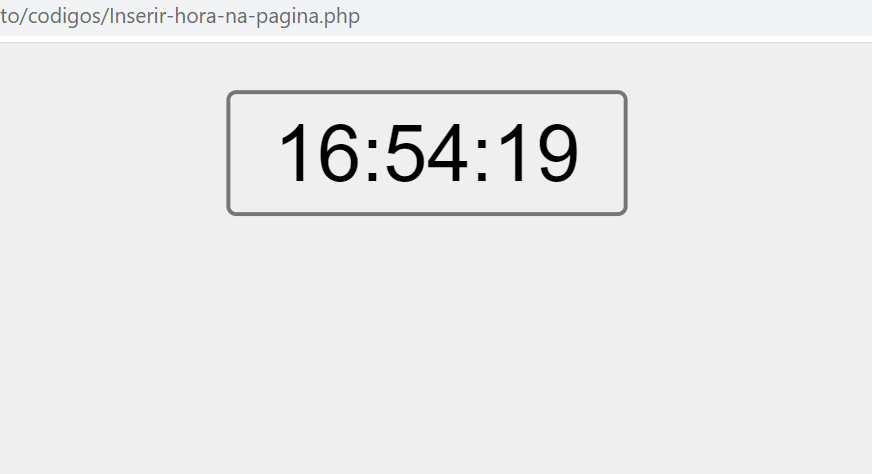
Este código está na categoria javascript e mostra o seguinte assunto: Inserir hora na página, em destaque estão os marcadores javascript, código, javascript,
<BODY onload=startclock() bgcolor="#EFEFEF">
<SCRIPT language=JavaScript>
var timeID=null;
var timerRunning=false;
function stopclock (){
        if(timerRunning)
                clearTimeout(timerID);
        timerRunning=false;
        }
function startclock (){
        stopclock ();
        showtime ();
        }
function showtime() {
        var now=new Date();
        var hours= now.getHours();
        var minutes= now.getMinutes();
        var seconds= now.getSeconds();
        var timeValue=""+ hours;
        timeValue += ((minutes<10) ? ":0" : ":") + minutes
        timeValue += ((seconds<10) ? ":0" : ":") + seconds

        document.clock.face.value= timeValue
        timerID = setTimeout("showtime()",1000);
        timerRunning = true;
        }
</SCRIPT>

<FORM name=clock onsubmit=0>
    <DIV align="center"><INPUT type=button value="" name=face></DIV>
</FORM>
</BODY>
<< Anterior DIV com rolagem automática

Deixe um comentário